
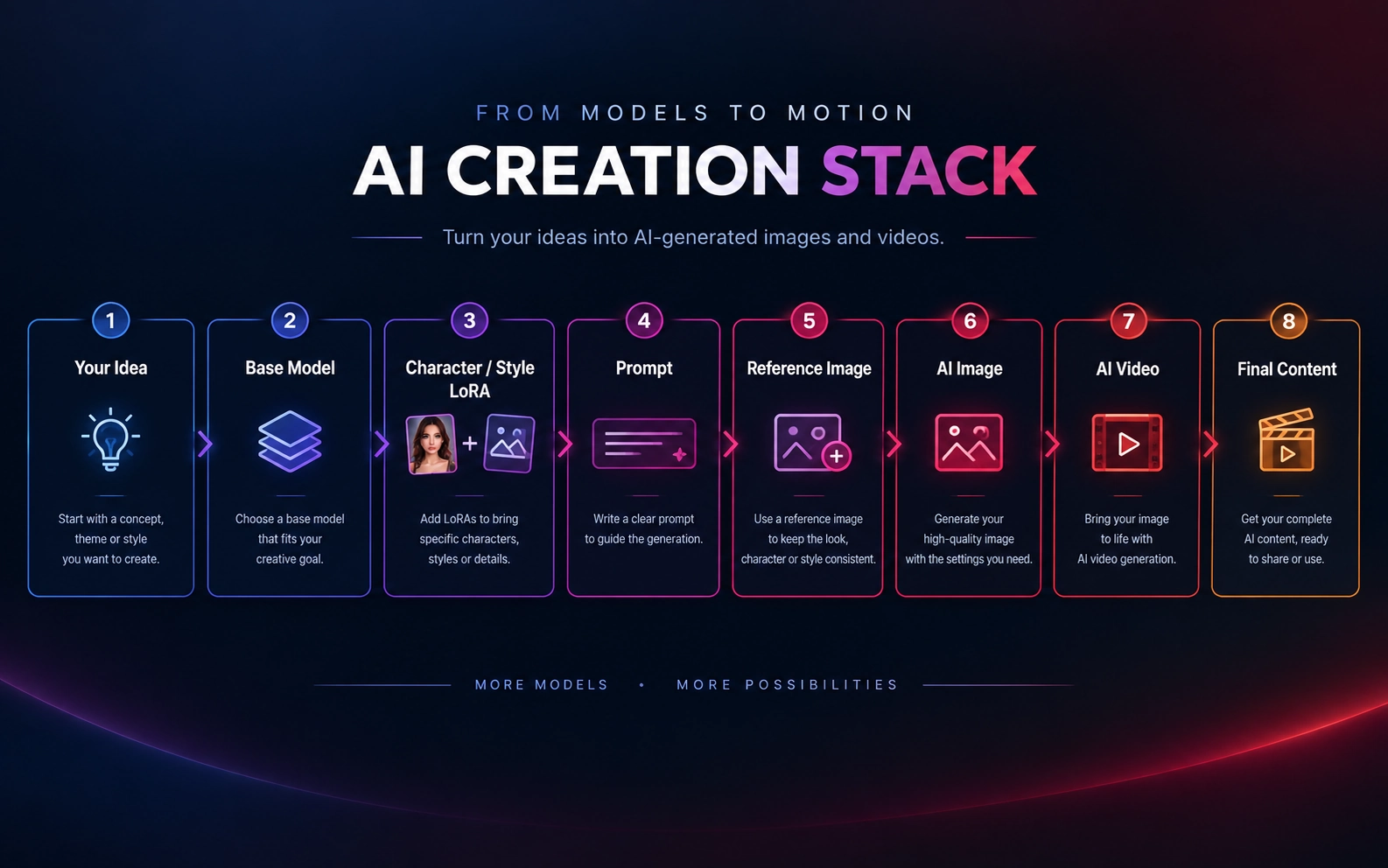
If you have been exploring AI image generation, Stable Diffusion, LoRAs, or NSFW AI, you may have come across Civitai Red.
Civitai Red is not a new AI model or a separate platform. It is the side of the Civitai ecosystem where mature content can be shown, including content that no longer appears on Civitai.com. Both domains run on the same community and the same database; what differs is which content each one displays.
This guide explains how Civitai Red differs from Civitai.com, what you can find there — NSFW AI models, character models, style models, and LoRAs — how Civitai's own generator fits in, and how a finished image can move into an image-to-video workflow.
What Is Civitai Red?
Civitai Red is the Civitai domain that can show mature content.
Civitai is a community-driven platform where people discover, share, and work with AI models, LoRAs, images, videos, and other generative AI resources. Civitai Red carries the full catalog, including mature content that the SFW-focused Civitai.com no longer displays.
- Civitai.com — the SFW front door, limited to PG-rated content
- Civitai Red — the full catalog, generator, and community, with content visibility you choose yourself
- Same ecosystem — one account works on both, and your models, uploads, and activity stay connected
Civitai announced this two-domain structure on April 9, 2026. According to its official announcement, Civitai.com became the SFW front door, locked to PG content, while civitai.red took over the full experience. The two domains are filtered views of the same database, and nothing was reset, deleted, or moved into a separate service.
Civitai Red vs Civitai.com
A common question is whether Civitai Red is a completely different version of Civitai. It isn't. The main difference is content visibility.
| Feature | Civitai.com | Civitai Red |
|---|---|---|
| Models and LoRAs | Yes, PG-rated listings only | Yes, full catalog |
| AI image and video community | Yes | Yes |
| SFW content | Yes | Yes |
| Mature and NSFW content | Not shown | Shown to users who opt in |
| On-site generation | SFW generation | Full generator, including NSFW generation |
| Account | Same Civitai account | Same Civitai account |
Based on Civitai's April 2026 announcement. Domain rules, generation options, and payment methods can change, so check the current Civitai pages before relying on any single detail.
A model or image does not become a different asset because you open it through the Red domain. SFW posts appear on both domains; mature posts appear only on civitai.red, and only for users who have chosen to see them.
If you are looking for Civitai NSFW models or mature LoRAs and cannot find them on Civitai.com, that is expected: anything above PG no longer shows there. Civitai Red is where that content is listed.
What Can You Find on Civitai Red?
Civitai Red covers much more than a single category of NSFW content. The library holds checkpoints, LoRAs, textual inversions, and the other resource types described in Civitai's guide to using models. For most readers, four groups matter most:
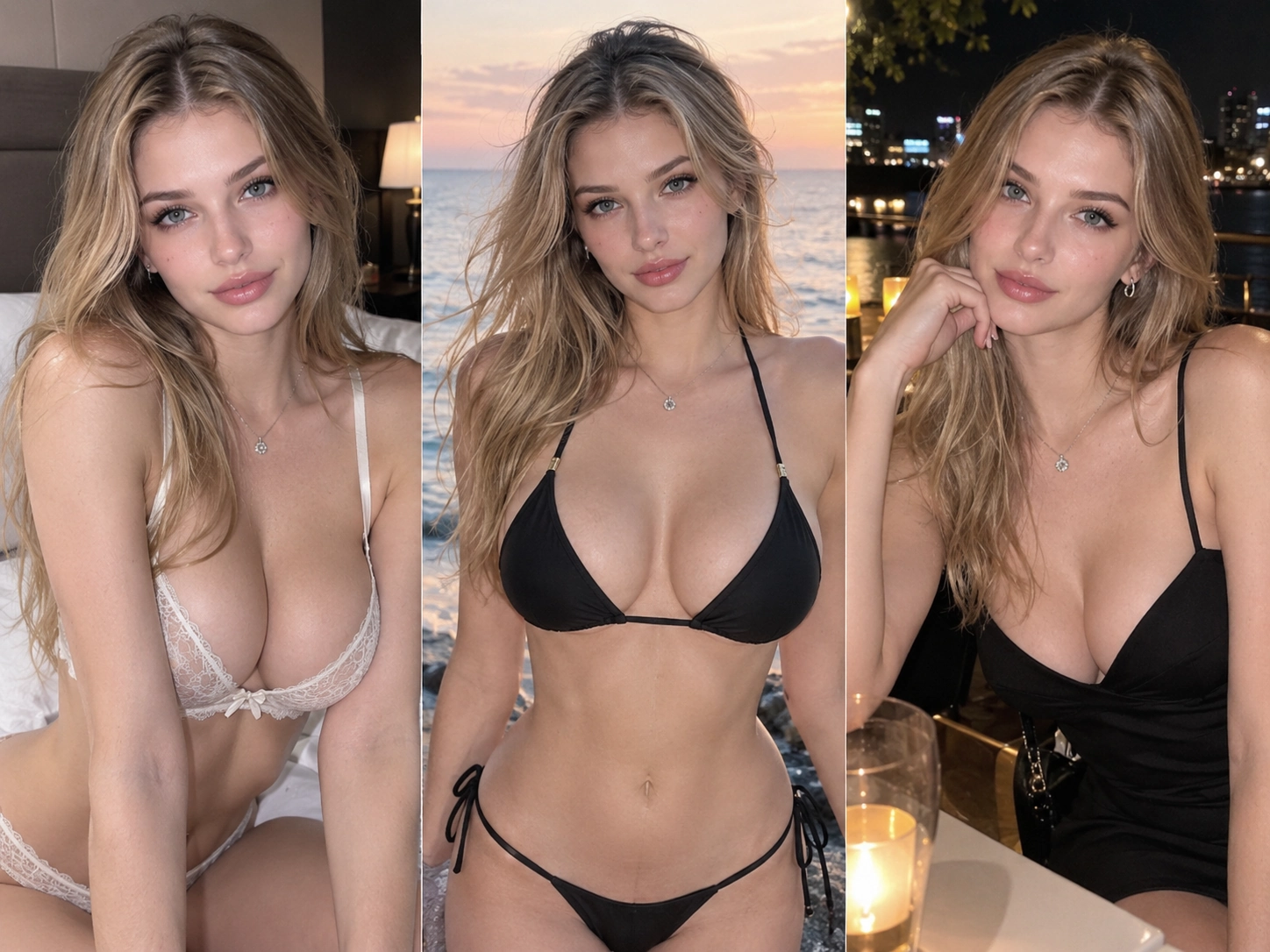
Character Models
Character-focused models and LoRAs help keep a visual identity consistent. They are useful when you want to show the same fictional character across different outfits, poses, settings, or scenes.
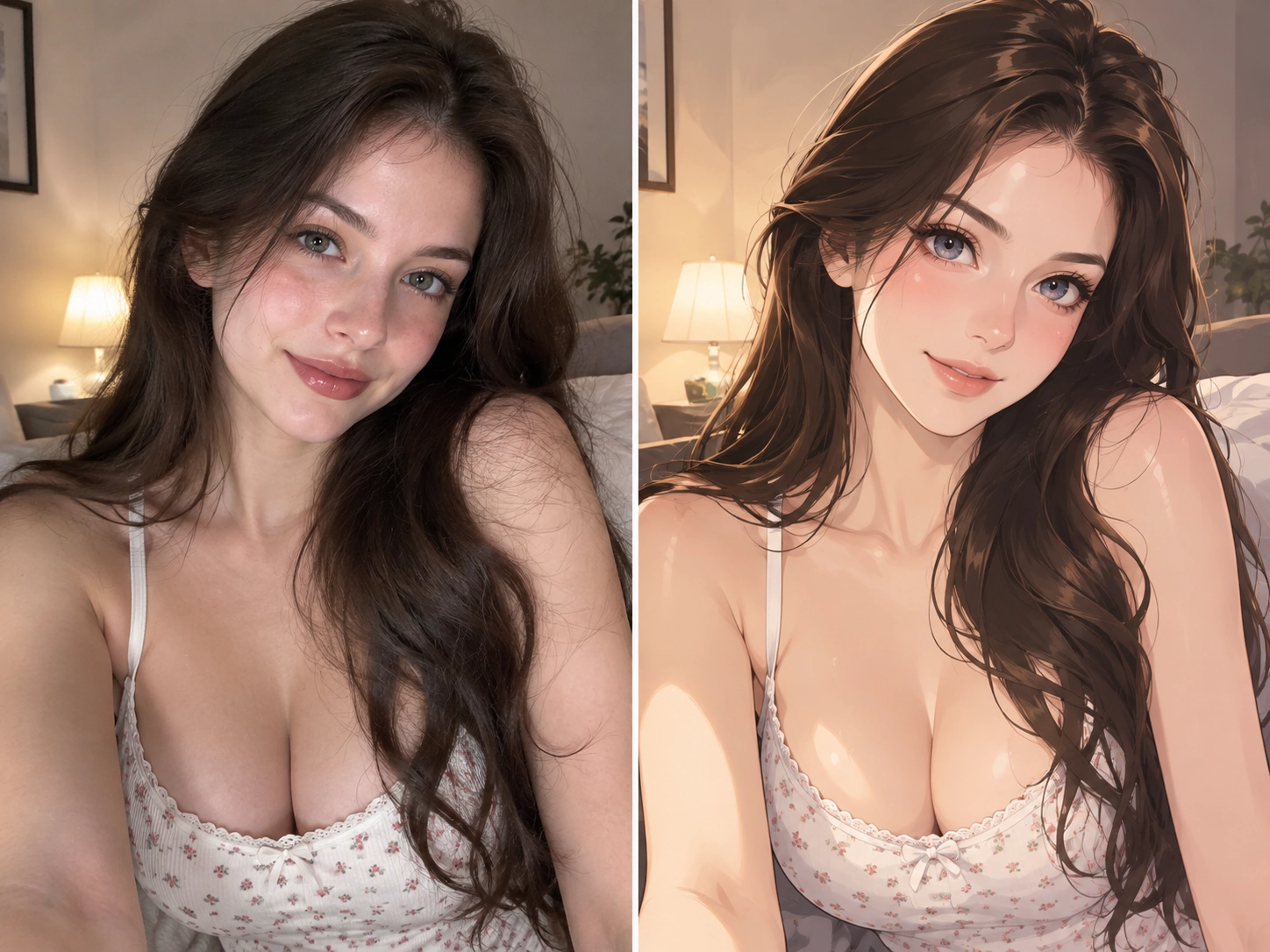
Style Models
Style-oriented models and LoRAs change how a generated image looks. Depending on the resource, they can influence realism, illustration style, lighting, composition, color treatment, and other visual traits.
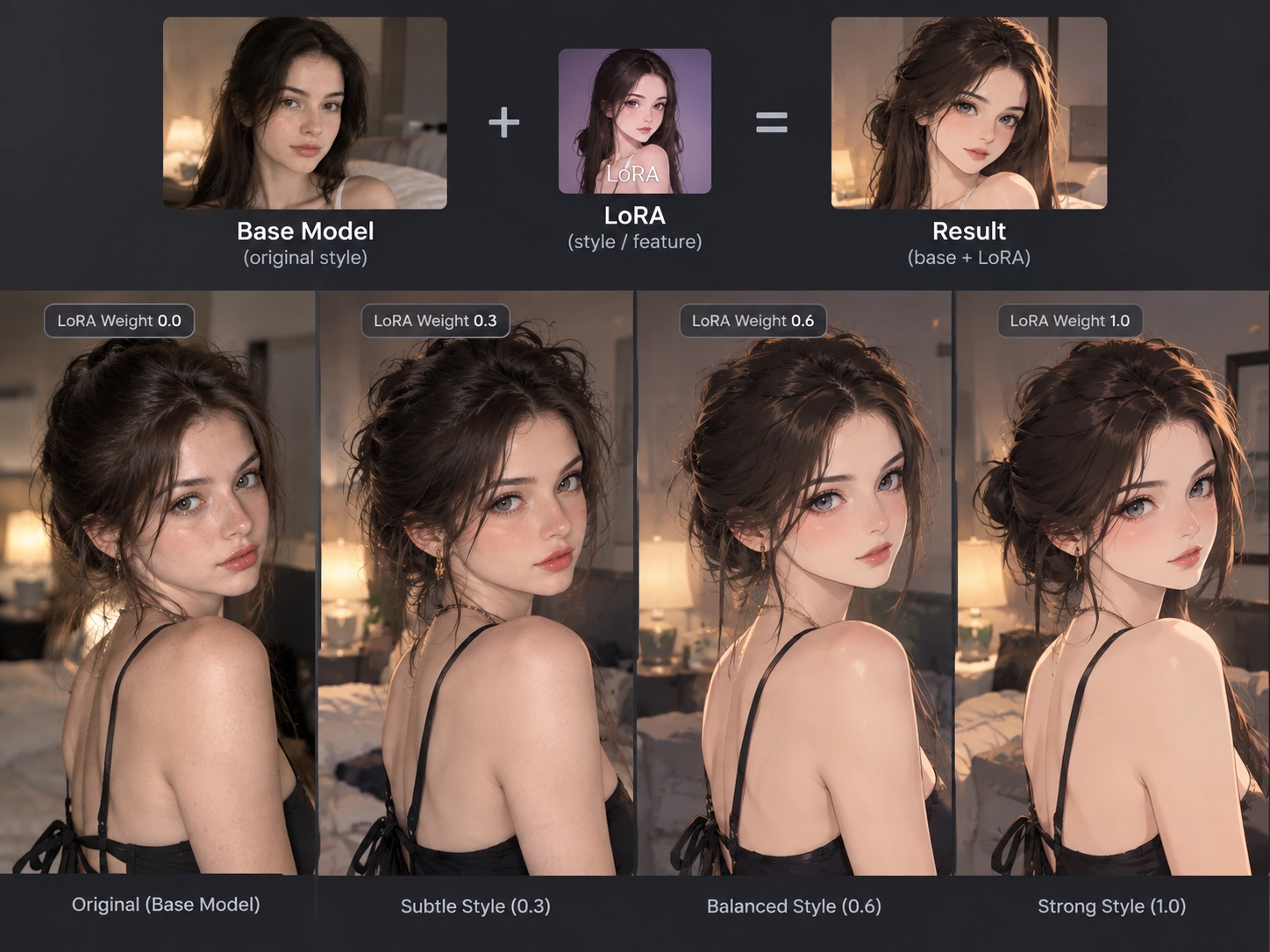
LoRAs
A LoRA is a lightweight add-on used together with a base model to steer specific traits: a character, a visual style, clothing, facial features, poses, concepts, or an overall aesthetic. It is one of the most common resource types on Civitai.
NSFW AI Models
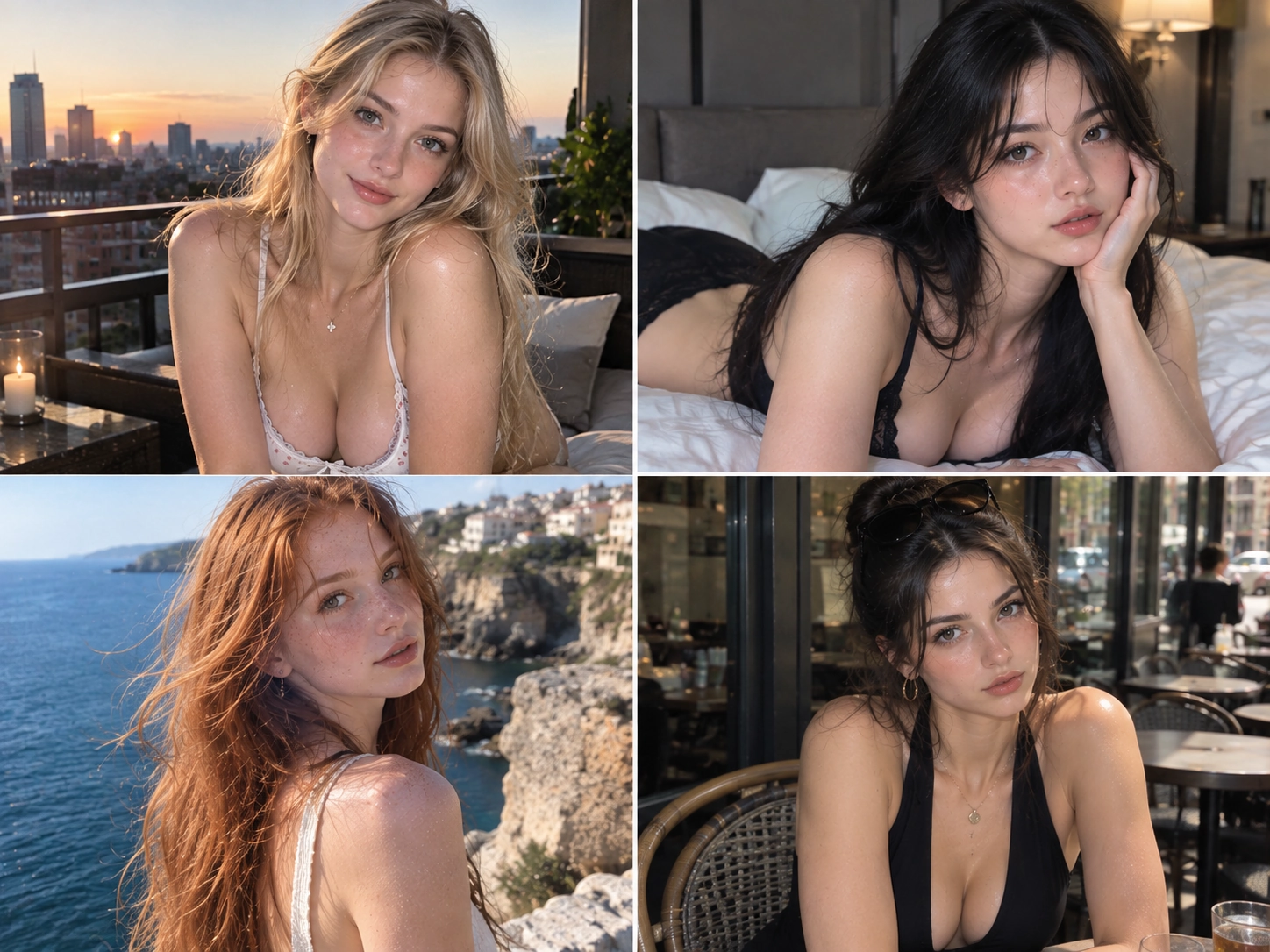
Some creators publish models, LoRAs, workflows, and example images intended for mature image generation. Not everything on Civitai Red is NSFW, though: SFW, anime, illustration, and realistic models sit alongside mature ones.
These groups overlap rather than exclude each other: a character or style resource is often published as a LoRA, and an NSFW model can also be a character or style model. In other words, Civitai Red is broader than an “NSFW model website”.
Why People Use Civitai Red for NSFW AI Image Generation
For NSFW AI users, the main difference is access to a wider range of mature-rated resources and community content.
Many mainstream AI image and video platforms restrict adult prompts, uploaded images, or generated results. Since April 2026, Civitai lists its mature content only on the Red domain, so that is where adult creators look for:
- Character LoRAs
- Realistic models
- Anime models
- Style LoRAs
- Image-generation workflows
- Reference images and their shared generation data
- Creator-made model combinations
- AI video workflows
How an NSFW Image Workflow Comes Together
An NSFW AI image is usually the result of several components rather than one model. You might start with a base model, add a character or style LoRA, write a prompt, adjust generation settings, and then refine the result.
Image pages on Civitai often show the generation data behind an image — the prompt, the resources used, and the settings — when the creator chooses to share it. That makes it easier to learn how other people combine resources.
Civitai is not only a download library. It has its own on-site generator: according to the April 2026 announcement, civitai.red keeps the full generator, including NSFW generation, while Civitai.com offers SFW generation. Many resources can also be downloaded and run in your own local setup.
Either way, this route puts you in charge of the building blocks: checkpoints, LoRAs, weights, and settings. If you would rather start from an image you already have and add motion, a dedicated image-to-video tool covers that narrower step.
Civitai Red vs an Online Image-to-Video Tool
Civitai Red and an online image-to-video tool do different jobs. Disclosure: we make nsfwimg2video.com, the tool in the right-hand column, so read this comparison with that in mind.
| Task | Civitai Red | nsfwimg2video.com (our tool) |
|---|---|---|
| Main purpose | Discover, share, and generate with community models, LoRAs, images, and videos | Turn one still image into a short video clip |
| Models and LoRAs | Browse and download them, then use them in Civitai's generator or your own setup | Not supported: you cannot upload model or LoRA files, and Civitai LoRAs do not run here |
| What you provide | A prompt plus your choice of base model, LoRAs, and settings | One JPG or PNG image and a prompt describing the motion |
| Setup | You choose and tune the resources yourself | No model setup; choose a clip length and generate |
| Community | Creator pages, reviews, and shared generation data | A generation tool, not a model community |
If you want to research models and see how other creators build their results, Civitai Red is the place to explore. If you already have an image you are allowed to use and want to animate it, an image-to-video tool skips the model setup.
Can Civitai Red Be Used for AI Video?
Civitai is increasingly connected to AI video. On Civitai Red you may find creators sharing image-to-video and text-to-video workflows for open video models such as Wan.
That points to a workflow many NSFW AI creators follow:
- Model
- Image
- Animation
- Video
You first use an image model or LoRA to establish the character and visual style, then use an image-to-video step to add movement. For short AI videos, this can be more flexible than treating image generation and video generation as unrelated processes.
Model-based video workflows can also require more technical knowledge: different models may need different prompts, settings, workflows, or hardware.
One boundary matters here: what moves into the video step is the finished image, not the model. A checkpoint or LoRA file is not an image, and it cannot be uploaded to an image-to-video tool as one.
Animating an Image with nsfwimg2video.com
If you want to animate an image without managing a video model stack, this is how our image-to-video page works today:
- Sign in and upload one image. JPG or PNG, up to 10MB, with an aspect ratio between 2:5 (tall) and 5:2 (wide).
- Describe the motion. Write a prompt about the movement, camera direction, and pace you want after the opening frame.
- Choose a clip length. 5 seconds is the standard option; 15-second clips are a Pro option.
- Generate and review. Each generation uses credits. Results vary with the image and the prompt, so plan to test more than one version.
Only upload images you own or have permission to use. Do not upload images of real people without their consent, and keep every subject an adult.
Input image
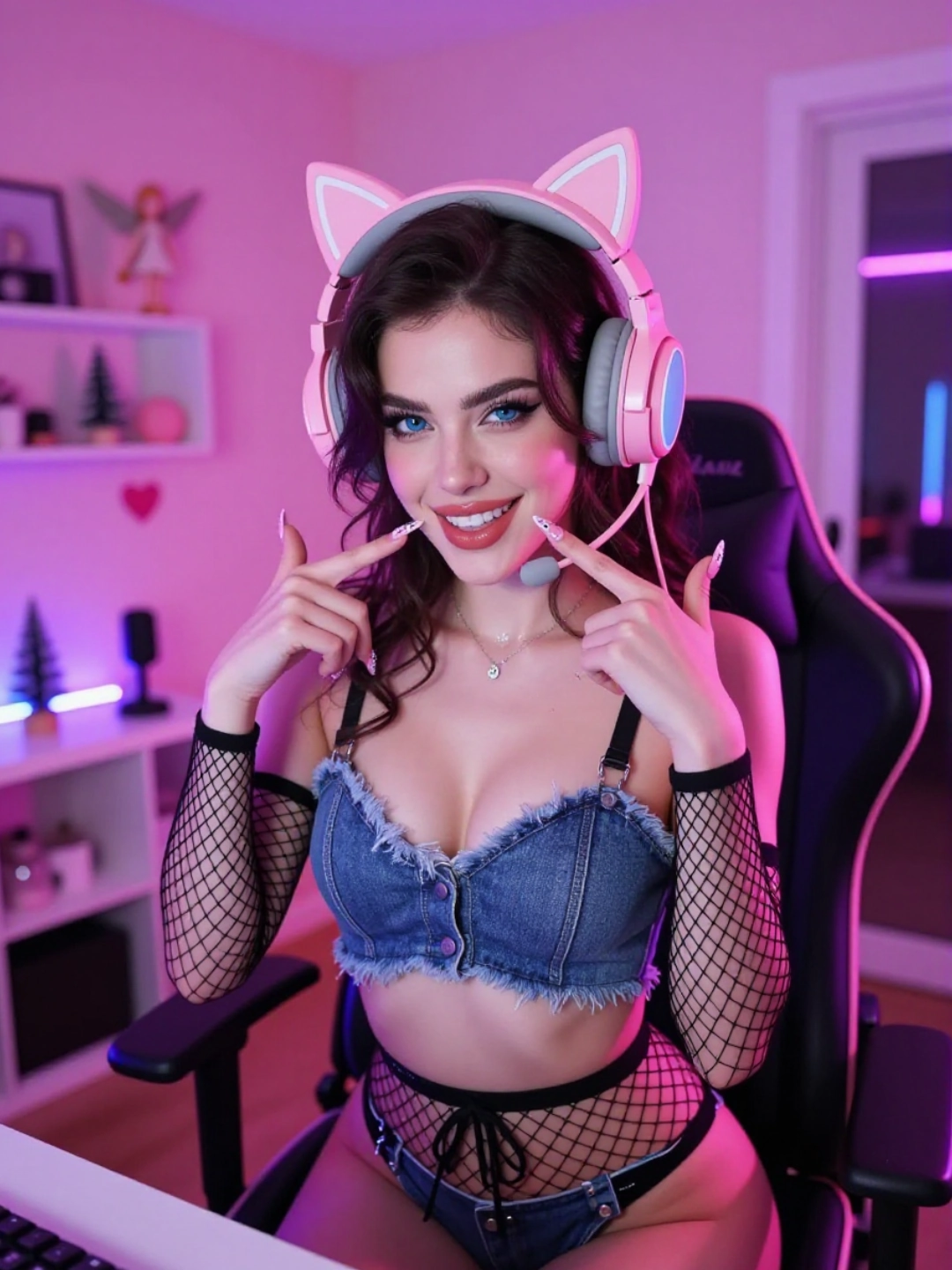
Result
Is Civitai Red Only for NSFW Content?
No. Although “Civitai Red NSFW” is a common search, the Red domain carries the full catalog, including SFW resources.
Model browsing covers categories such as characters, styles, concepts, clothing, base models, backgrounds, poses, tools, vehicles, buildings, objects, animals, and actions. That makes Civitai Red useful for general image-generation research as well as mature-content workflows.
The difference is that the Red domain lets users who opt in see the full content range.
Civitai Red, LoRAs, and Modular AI Generation
Civitai stays relevant to AI creators because image generation has become modular. Instead of relying on one universal model, creators combine:
Base model + LoRAs + prompt + reference images + workflow
Each piece needs tuning. Civitai's guide notes that you can use a LoRA with any model, but LoRAs are usually trained on a specific model and perform best on that model or a derivative of it. It also points out that the default LoRA weight of 1 is usually too high, so adjusting the weight is part of the process.
Civitai Red brings models, creators, examples, and generation tools together in one community, and for NSFW AI users it lists mature-rated resources that no longer appear on Civitai.com.
Final Thoughts
Civitai Red is best understood as the mature-content side of the Civitai ecosystem, not a separate AI model or an independent platform.
If you are researching NSFW AI models, LoRAs, character generation, or AI image and video workflows, it is a useful place to discover resources and see how other creators build their results.
Keep three steps apart: discovering a model, producing an image, and turning that image into a video. Civitai covers the first two; an image-to-video tool such as nsfwimg2video.com handles the last one when you already have an image you are allowed to use.
Turn Your Image into a Video
Upload a JPG or PNG you have the rights to use, describe the motion, and generate a short clip.
Try Image to Video