
You upload a reference image. The model generates video. And the result is stiff, blurry, or completely wrong. The problem almost always comes down to the prompt — specifically, that it describes the character instead of the motion.
All prompts in this guide target fictional AI-generated characters only. Do not generate content depicting real identifiable individuals. Comply with applicable laws in your jurisdiction.
One Rule Changes Everything
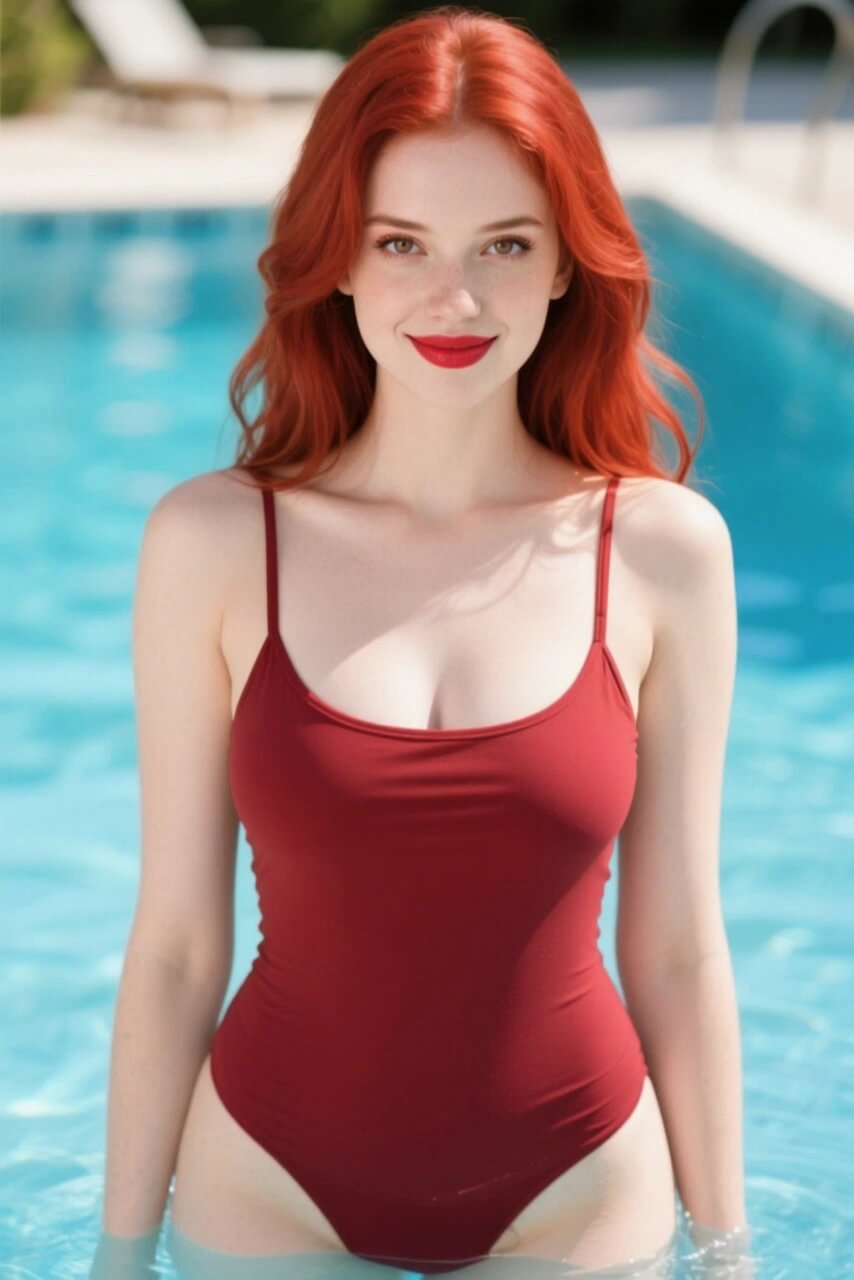
When you upload an image, the model already knows what your character looks like — the appearance, lighting, and composition are locked in by the source frame. Your prompt's only job is to describe what moves, how it moves, and where the camera goes.
Everything else in your prompt is noise that competes with the motion instruction.
beautiful woman, red dress, bedroom, sensual, soft lighting
Describes appearance the model already has from the image. Output: static or incoherent drift.
slow arch of the back, camera holds medium shot, gently, soft backlight, 8 seconds
Describes motion + camera + pace + context. Output: controlled, intentional movement.
The 5-Part NSFW I2V Prompt Formula
Every effective NSFW image-to-video prompt has five components. Use this sequence as a checklist before you generate.
Motion
What the character's body does. Use concrete action verbs — arches back, turns to camera, leans forward, reaches toward lens. Vague descriptors produce vague results.
Camera
How the shot moves. Specify or hold: slow dolly in, static close-up, orbital pan, camera rises from low to mid. If you want it still, say static shot — don't leave it out.
Intensity
Pace and emphasis. Adverbs control speed: very slowly, gently, with increasing intensity, natural movement pace. Without this, the model picks a default that often feels wrong.
Context
A short environment or light cue. Soft backlight, natural light, warm ambient glow, dim interior. One phrase is enough — this anchors the mood without overriding the source image.
Duration
Length hint in seconds. Most I2V models accept 5–10s. Matching your clip length to the action described prevents abrupt cuts or held static frames at the end.
Formula
[Motion] + [Camera] + [Intensity] + [Context] + [Duration]
Full example
character leans forward slowly, camera holds on medium shot, gently, soft natural light, 8 seconds
Live Prompt Builder
Select one chip from each row to build your prompt. Copy it or send it directly to the generator.
8 seconds
30+ Copy-Paste NSFW AI Video Prompts
Sorted into four categories. Each AI porn prompt follows the 5-part formula and is ready to use on nsfwimg2video.com or any compatible image-to-video model.
Solo Motion
Body-led movement with camera steady or closing in.
slow arch of the back, held in place, camera rises from hips to shoulders, 6 seconds
character turns slowly to face camera, reaches toward lens, natural light, 8s
deep breath in, chest rises, camera holds close-up on torso, soft light, 5s
character leans forward slowly, gaze toward camera, medium shot, warm light, 8s
shoulders drop back, spine extends, camera holds full-body static wide, 6s
slow head tilt, hair falls to one side, close-up on face, soft backlight, 5s
weight shifts to one hip, hand moves to hip slowly, camera holds waist-up, 8s
character stretches arms upward slowly, full extension, overhead-to-eye-level tilt, 8s
Camera-Led
Character mostly still — camera movement creates the motion.
slow dolly from above, camera descends to eye level, subject stationary, soft backlight, 8s
orbital pan around character, 180-degree arc, neutral background, 10s
camera pulls back slowly from close-up to full-body reveal, static subject, 8s
slow rack focus from background to foreground character, shallow depth of field, 6s
low-angle camera rises from floor level to mid-torso, character stationary, 8s
gentle pan left across standing character, character holds still, wide shot, 6s
camera pushes in slowly from full-body to waist-up, subject not moving, 8s
overhead static shot, character lies still, camera holds position, 6s
Paired Motion
Two figures or foreground and background layering.
two characters face each other, one reaches toward the other slowly, camera holds medium, 8s
character in foreground, second figure approaches from background depth, slow push, 10s
mirrored movement, both figures lean in simultaneously, symmetrical shot, 8s
one character seated, second enters frame from right, camera tracks entry, 8s
both figures turn toward camera slowly, medium shot, natural backlight, 6s
figure in background reaches toward figure in foreground, depth-of-field shift, 8s
two characters, slow weight shift toward each other, camera holds wide, 10s
foreground figure stationary, background figure approaches, focal plane shifts, 8s
Intensity Modifiers
Add-ons that control pace and feel — combine with any prompt above.
add: with increasing intensity, pace builds from slow to medium over 8 seconds
add: very slowly, frame-by-frame deliberate pacing, no sudden motion
add: hold on stillness before movement, 2-second pause then action
add: natural breathing visible throughout, subtle rise-and-fall rhythm
add: weight and gravity visible in motion, no floaty AI movement artifacts
add: eyes open and tracking, gaze stays on camera lens
Negative Prompts: What to Add (and When)
Not all models handle negative prompts the same way. Wan-family models need them to prevent artifacts. Kling largely ignores them. Seedance works best without.
| Model | Needed? | Recommended set |
|---|---|---|
| Wan 2.2 / 2.6 | ✅ Yes — essential | morphing, warping, face deformation, flickering, jittering, watermark, blurry, low quality |
| Kling 3.0 | ⚠️ Rarely | Model-level filtering — adding negatives has minimal effect |
| Seedance 2.0 | ❌ Usually skip | Negative prompts can reduce output quality on this model |
NSFW-specific negative prompt (Wan family)
morphing, warping, face deformation, flickering, extra limbs, merged bodies, blurry, low quality, watermark, text, logo
Troubleshooting
My video output is completely static — what's wrong?
The prompt is missing motion verbs. Add an explicit action: "character breathes deeply" or "slow head turn." Camera movement alone does not animate the character — the body motion must be stated.
Feet and legs look frozen while the upper body moves
Add: "feet in motion, natural weight shift, full body movement" to your prompt. This is a known artifact on Wan-family models. Specifying lower-body motion explicitly triggers it.
The face morphs or deforms mid-video
Add "face deformation, morphing, warping" to your negative prompt. For close-up shots, also add "static facial expression" to anchor it. This is especially common at the 4–6 second mark.
The explicit content is cut short or seems blocked
The issue is usually the source image, not the prompt — the image may contain elements that trigger content filters at the frame level. See our guide on why NSFW images get rejected for image-side fixes. For the prompt: remove any descriptive language about static appearance and focus purely on motion.
Why do my uncensored AI prompts keep getting blocked?
Hosted platforms like Veo and Pixverse screen the prompt text before generation, so explicit wording gets rejected at the input stage no matter how you phrase it. The fix is a model that does not filter input, not a cleverer prompt. On nsfwimg2video.com the prompt text is not screened, so you write the motion plainly using the formula above. If a specific word still trips a filter on another tool, describe the action instead of naming it.
Put It Into Practice
Use the prompts from this guide directly on nsfwimg2video.com — the fastest free NSFW image-to-video generator.
Start Generating Free