
Reference-to-Video NSFW for Multi-Character Scenes
Single-image NSFW video hits a wall on character consistency. Reference up to 5 images or videos and lock identity, motion, and style across every frame.
- 5 References
- 720p / 1080p
- 5 / 10 / 15s
5 References, One NSFW Scene
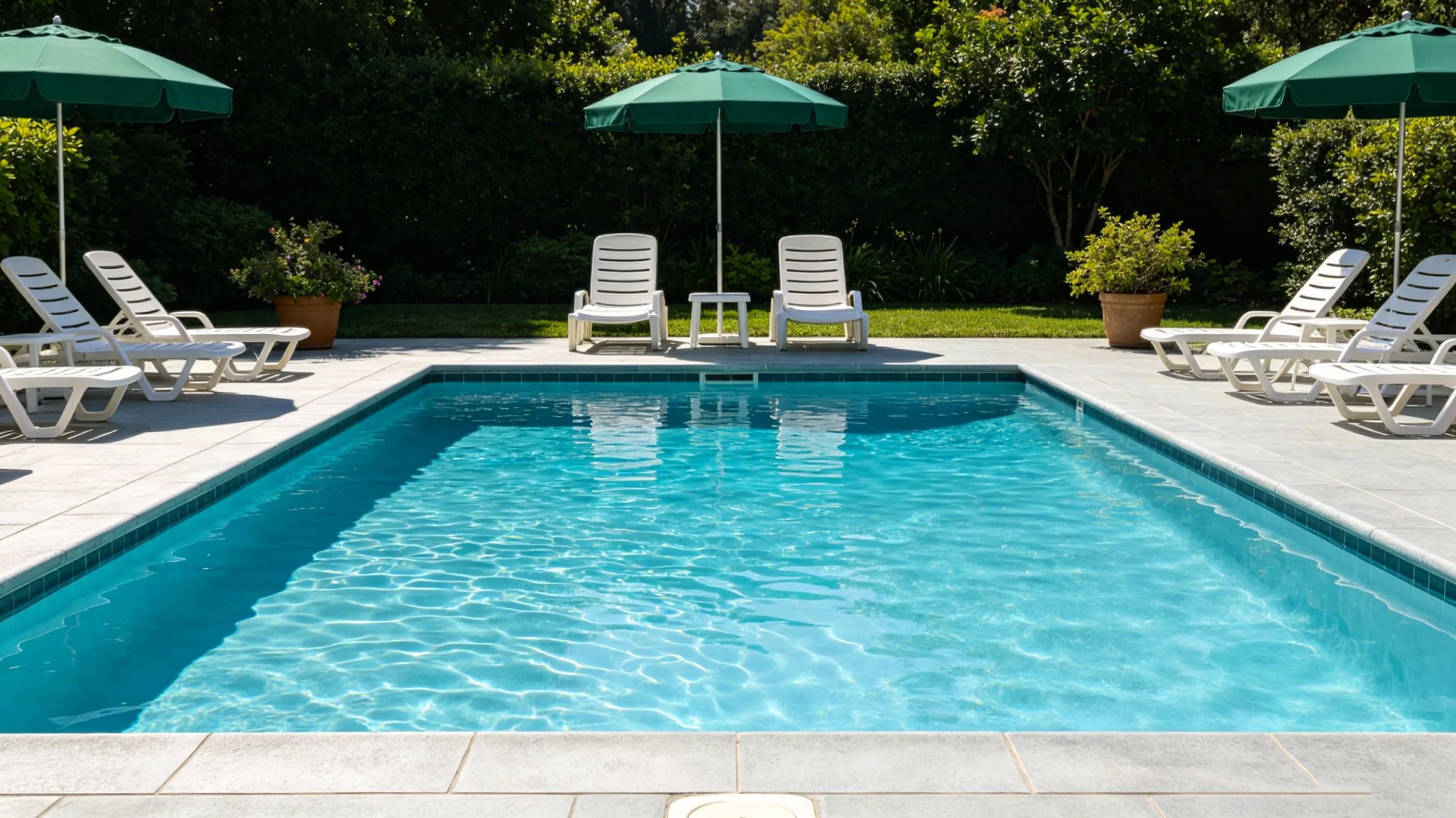
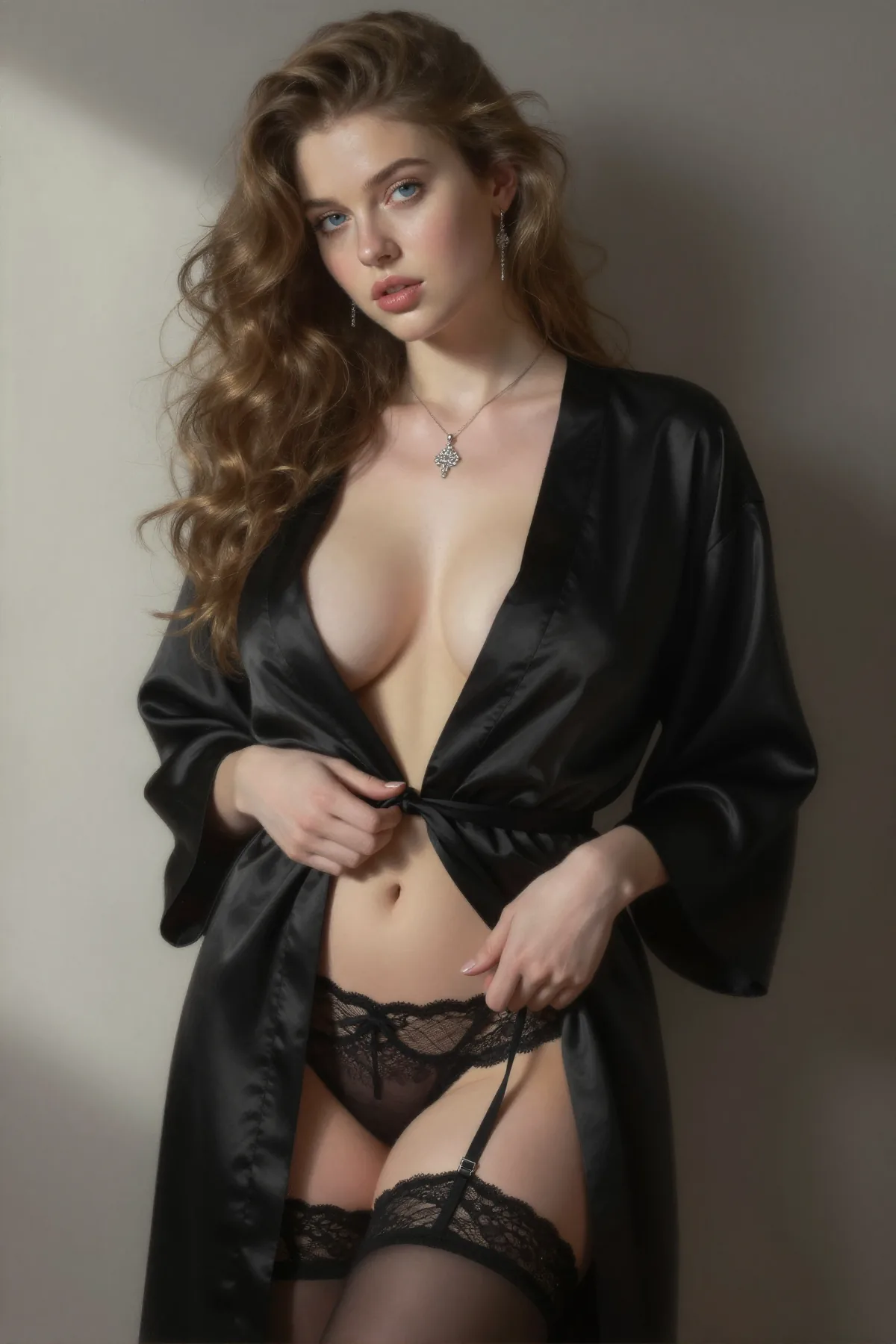
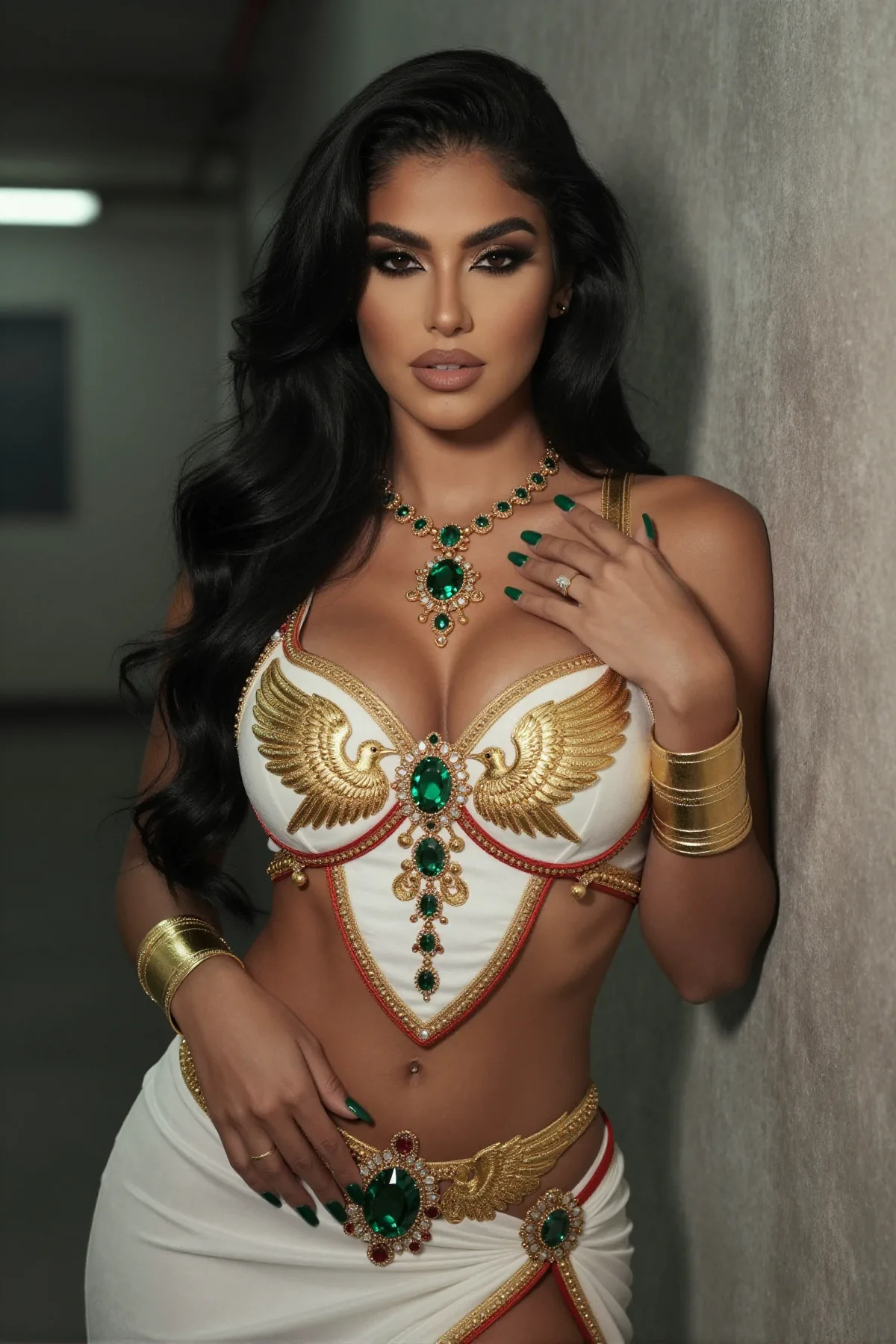
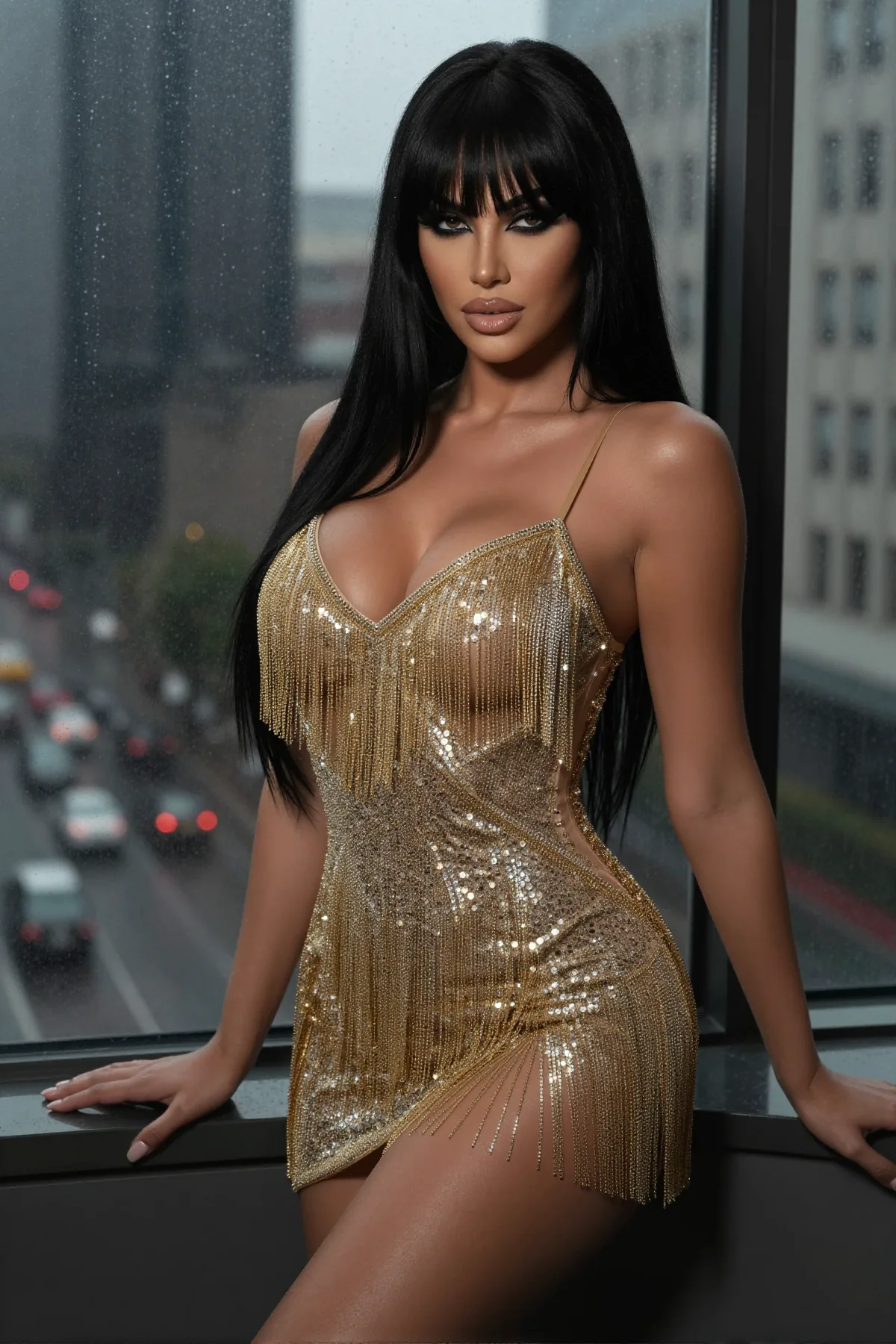
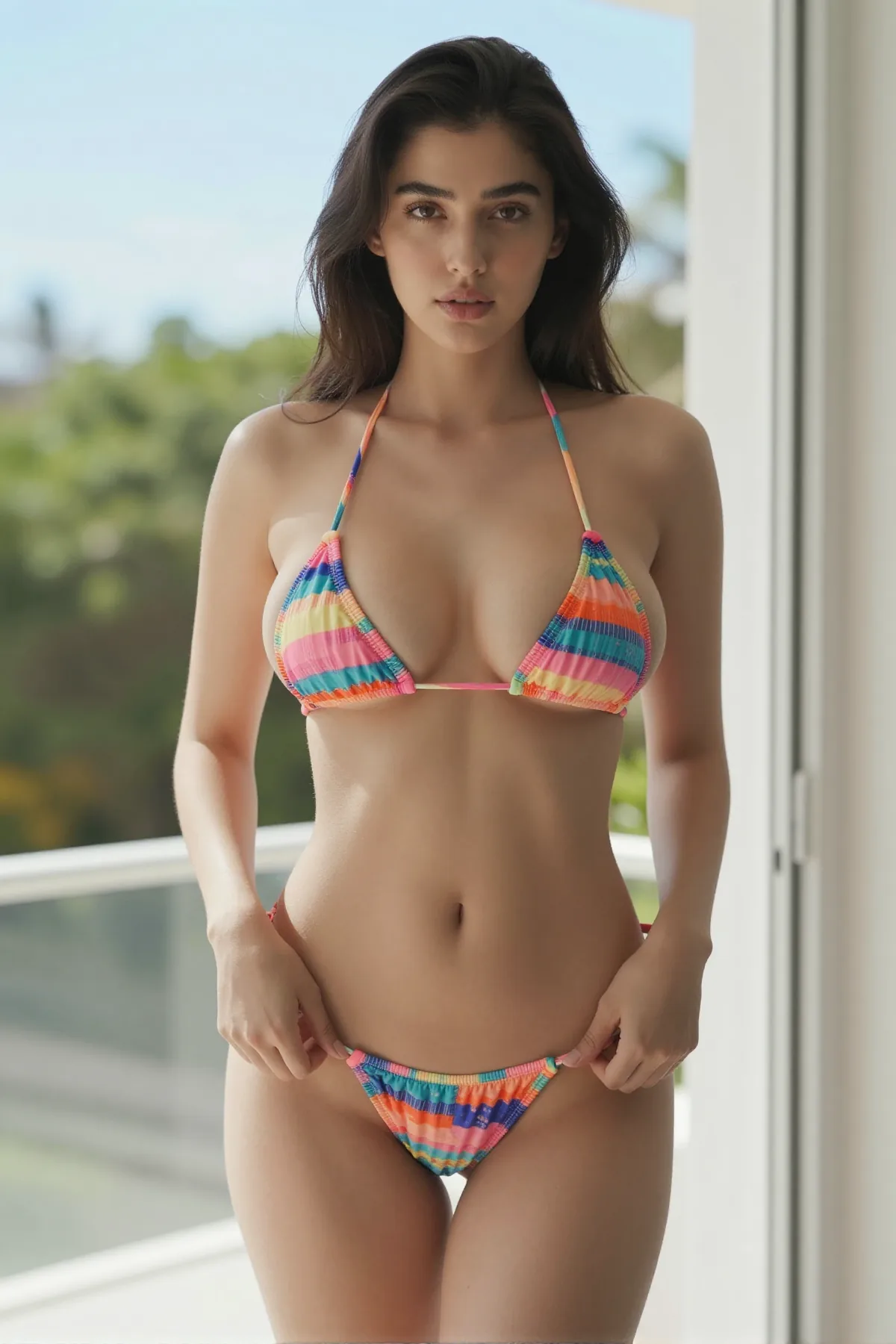
Drag to compare. Left: your 5 references. Right: the R2V output.
Try This in the EditorHow Reference-to-Video Works
- 01
Upload References
Drop up to 5 images or short videos. Each one anchors a different dimension — character, motion, background, or style.
- 02
Lock Start Frame
Pick the first frame the video opens on. Optional — skip it and the generator chooses for you.
- 03
Write Prompt with @reference
Describe the scene. Tag specific references like @ref1 to pin identity to the right subject.
Two women on a couch, @ref1 in red, @ref2 in black - 04
Generate
Pick resolution (720p or 1080p) and duration (5, 10, or 15 seconds), then generate.
6 Reference-to-Video NSFW Use Cases
Couple Together
Two character references rendered into one intimate scene.
Costume Swap
Same character, different outfit pulled from a costume reference.
Style Transfer
Your character, rendered in an anime style pulled from a reference.
Background Swap
Same subject, different setting pulled from a background reference.
Motion From Video
Drive choreography from a short video reference instead of describing it.
Multi-Subject Scene
Three or more characters in one frame, each from a separate reference.
Reference-to-Video vs Image-to-Video NSFW
Character Consistency
Image-to-video infers identity from one source frame, so faces start to drift or melt past the 3-second mark. R2V dedicates a separate slot to facial features and re-anchors them on every frame. Your character holds the same look across 5, 10, or 15-second clips — even when the camera or outfit changes.
Multi-Character Scenes
Single-image generators can only animate one subject because they only have one source to learn from. R2V takes up to 5 separate references and lets you tag them in the prompt with @ref1, @ref2, and so on. Compose couples or full group scenes where every face stays distinct in the same shot.
Motion Control
Prompt-only motion is lossy — text rarely captures timing or the exact pose you have in mind. R2V reads a short video reference and re-applies the choreography onto your character, frame by frame. Easier than typing "slow hip sway, head tilt right at 0:02" and hoping the model agrees.
Background and Style
Single-image tools bake the background, lighting, and art style together — change one and you lose all of them. R2V splits each into its own reference slot, so you can mix and match without rebuilding the source image. Swap a bedroom for a beach, or pair an anime style reference with a photoreal face — one swap at a time.
Still on single-image video? Try the basic flow first.
What You Can Generate
- 5 References
- Start Frame Lock
- 720p / 1080p
- 5 / 10 / 15s
- 5 Aspect Ratios
- @reference Syntax
- Negative Prompts
- Per-Subject Voice
These are the working limits, and that's all of them.
18+ only · No real-person references · Fictional content only.
Reference-to-Video FAQs
Ready to Reference-to-Video?
Open the editor, drop your references in, and you're a few minutes from your first multi-character video.
18+ only · No real-person references · Fictional content only