

Finding an AI video tool that genuinely handles NSFW content takes more effort than it should. Most platforms either block explicit prompts outright, add filters that quietly soften your output, or let you generate a few clips before the paywall kicks in. The ones that do work are not sitting in a convenient side-by-side comparison anywhere.
This article covers five tools that come up regularly in this space: what each one actually does for video generation, what you'll pay, and where each one falls short.
The quick comparison table below gives you a fast overview, then each tool gets a more detailed breakdown.
Quick Comparison
| Tool | img2video | txt2video | NSFW Video | Free Tier | Starting Price | Best For |
|---|---|---|---|---|---|---|
| SpicyGen | Yes | Yes | Explicit | No reliable free credits | $19.99 / 400 credits | Beginners, low friction |
| PromptChan | Yes | Yes | Explicit (Pro) | Image only | ~$4.49/mo | Style variety, community |
| PixelDojo | Yes | Yes | Ambiguous | No | $25/mo | Multi-model access |
| Kupid AI | Limited | Yes | Soft/implicit | Yes (very limited) | ~$7.99/mo | Companion + image/video |
| OurDream AI | Yes | Yes | Explicit | Yes (coins) | $9.99/mo (yearly) | Customization + video |
| nsfwimg2video.com | Yes | Yes | Explicit | Yes | Free | Direct NSFW video, no filters |
1. SpicyGen
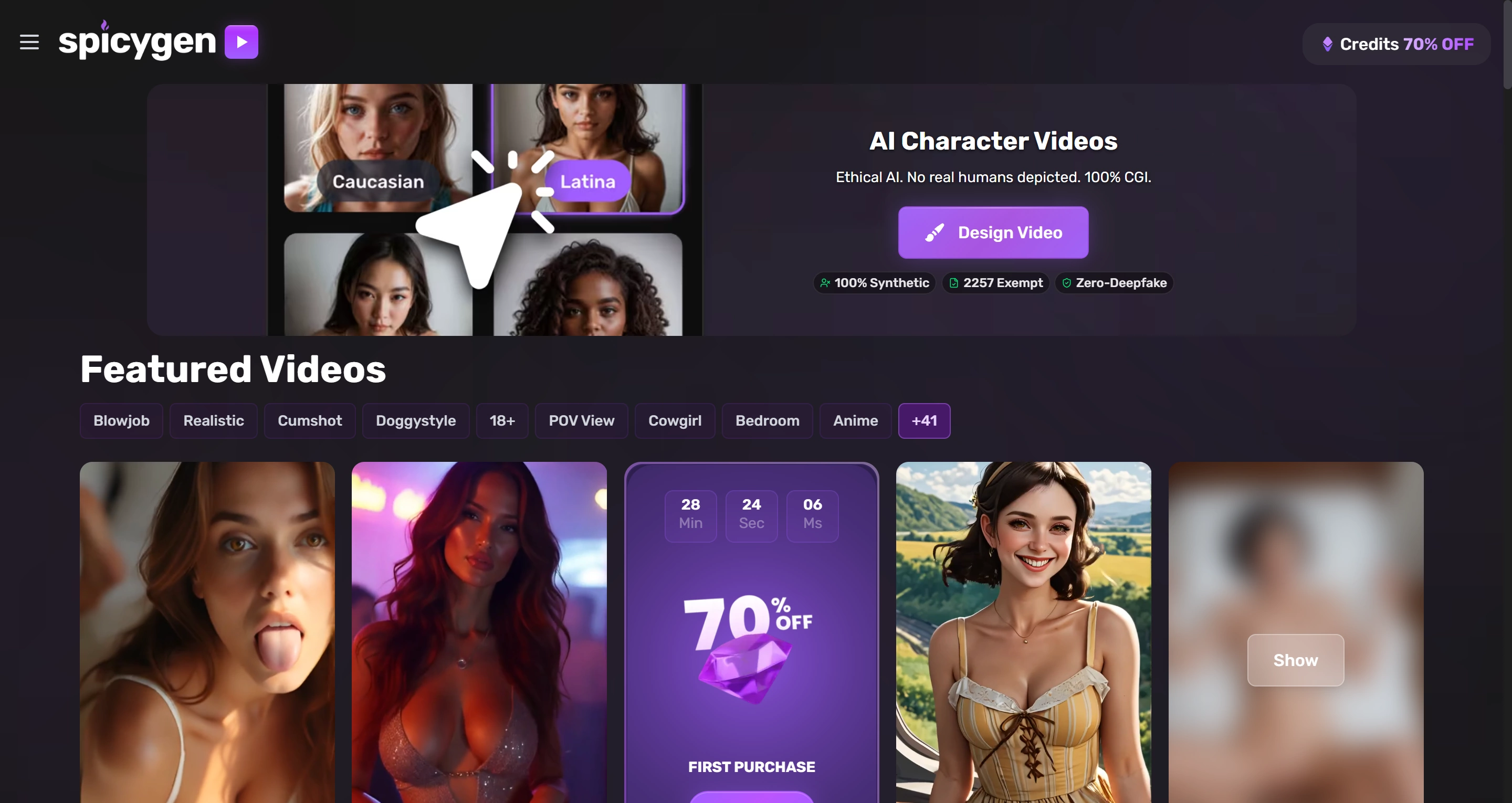
SpicyGen is one of the more straightforward tools in this category. The core workflow is simple: upload a static image, enter a prompt describing the motion or expression you want, and the platform generates an animated clip up to 10 seconds at 1080p. You can also skip the image entirely and generate from a text prompt alone.
SpicyGen also includes a text-to-image generator supporting both realistic and anime styles, so users can build a reference image on the same platform before animating it. The full workflow from text prompt to image to video stays in one place.
The NSFW output is explicitly uncensored, and the platform does not require separate mode unlocking to access adult content. That makes it one of the lower-friction options for someone who wants to get started quickly.
The tradeoffs are worth knowing. Some users report images or videos being rejected, or accounts suspended even after payment, and frame quality can be inconsistent between generations. There is also no character consistency system, so the same face can drift across clips.
If you need stable identity across multiple videos, this limitation matters.
Pricing: SpicyGen runs on credits. The entry pack is 400 credits for $19.99, scaling to 10,000 credits for $149.99. Generating one NSFW video costs 50 credits. Free signup credits are not guaranteed.
Best for: Users who want a dedicated explicit-friendly video tool without a subscription commitment.
2. PromptChan
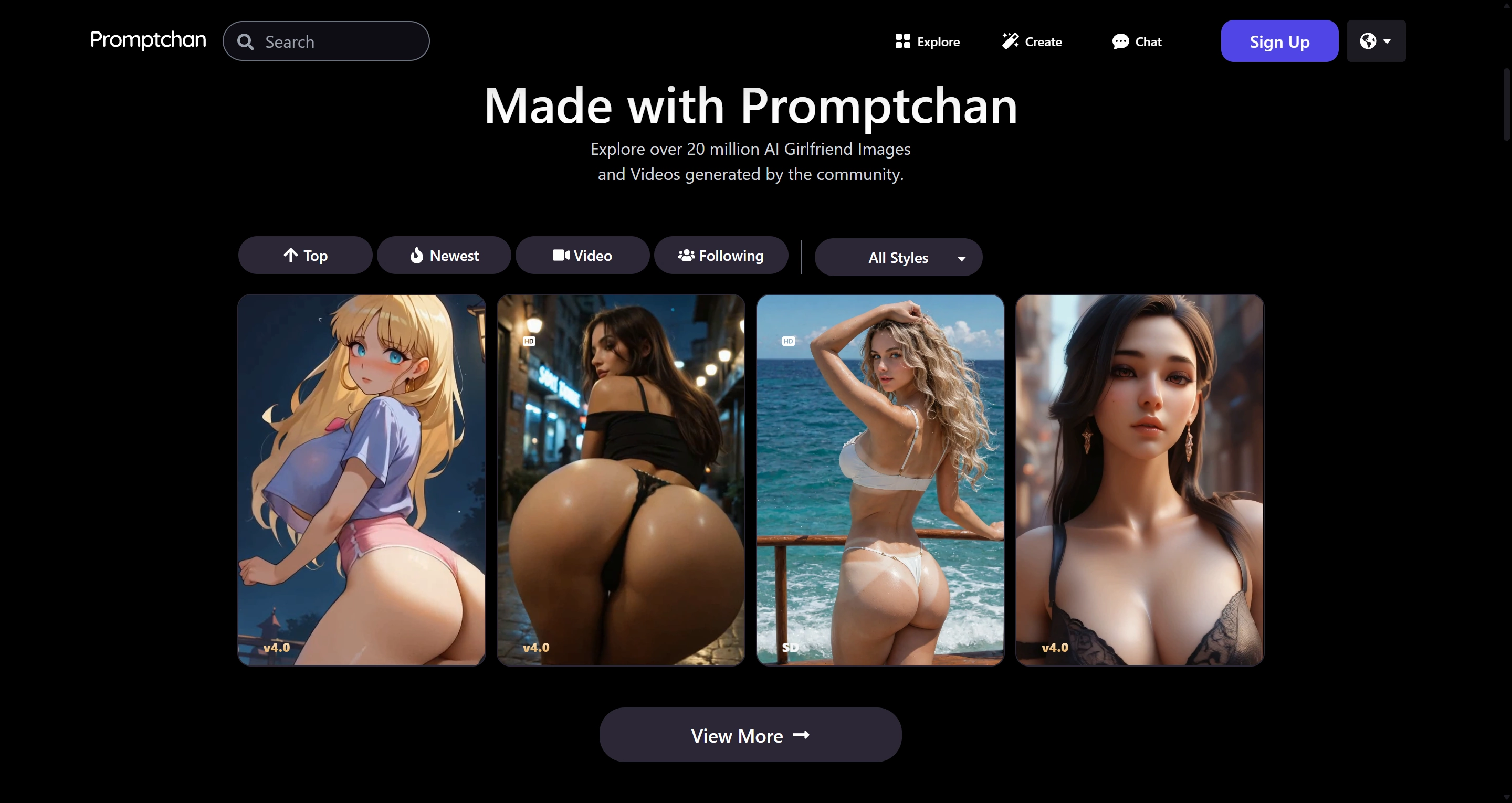
PromptChan is primarily known as an image generator, but video is a real and functional part of the platform on Pro plans. Pro users can turn prompts into fully animated AI videos, with both text-to-video and image-to-video paths supported.
The video generator supports uncensored NSFW output across multiple styles including hyperrealistic, anime, and fantasy, and each video generation costs 15 credits.
Where PromptChan stands out is style variety and community depth. The platform has a large community gallery with millions of user-generated creations, a free tier that allows NSFW image generation without a credit card, and strong anime and hentai output quality.
The main limitation is that video is locked to the Pro tier. Free and lower plans are image-only, so video requires a paid upgrade.
Pricing: PromptChan uses Gems. Plans start at $4.49/month for Plus with 100 Gems. Pro unlocks video generation, includes 800 Gems per month, and adds unlimited casual generations. Unused Gems roll over monthly.
Best for: Users who want style variety across image and video, value community inspiration, and are willing to upgrade to Pro for video access.
3. PixelDojo
PixelDojo positions itself as a multi-model creative platform rather than a dedicated NSFW tool. It offers access to 60+ AI models across image and video generation, including Flux 1.1 Pro Ultra and Stable Diffusion 3.5, with image output up to 4MP.
It supports both image-to-video and text-to-video generation, usually producing clips around 5 to 10 seconds.
The technical depth is strong. Video can start at 0.5 credits per second on one model, while other models can reach 64 credits per video. LoRA training for character consistency costs 16 to 64 credits per session.
The NSFW policy is the complication. Official policy language focuses on swimwear and fashion, and Terms do not clearly commit to NSFW support. Some users report broader tolerance in practice, but enforcement appears inconsistent.
Pricing: No free plan. Subscription is $25/month, or $20/month on 6-month or annual billing. Plans include 400 monthly credits and access to 20+ tools, plus unlimited use for selected base features.
Best for: Technically inclined users who want broad model access and LoRA training, and can tolerate policy ambiguity.
4. Kupid AI
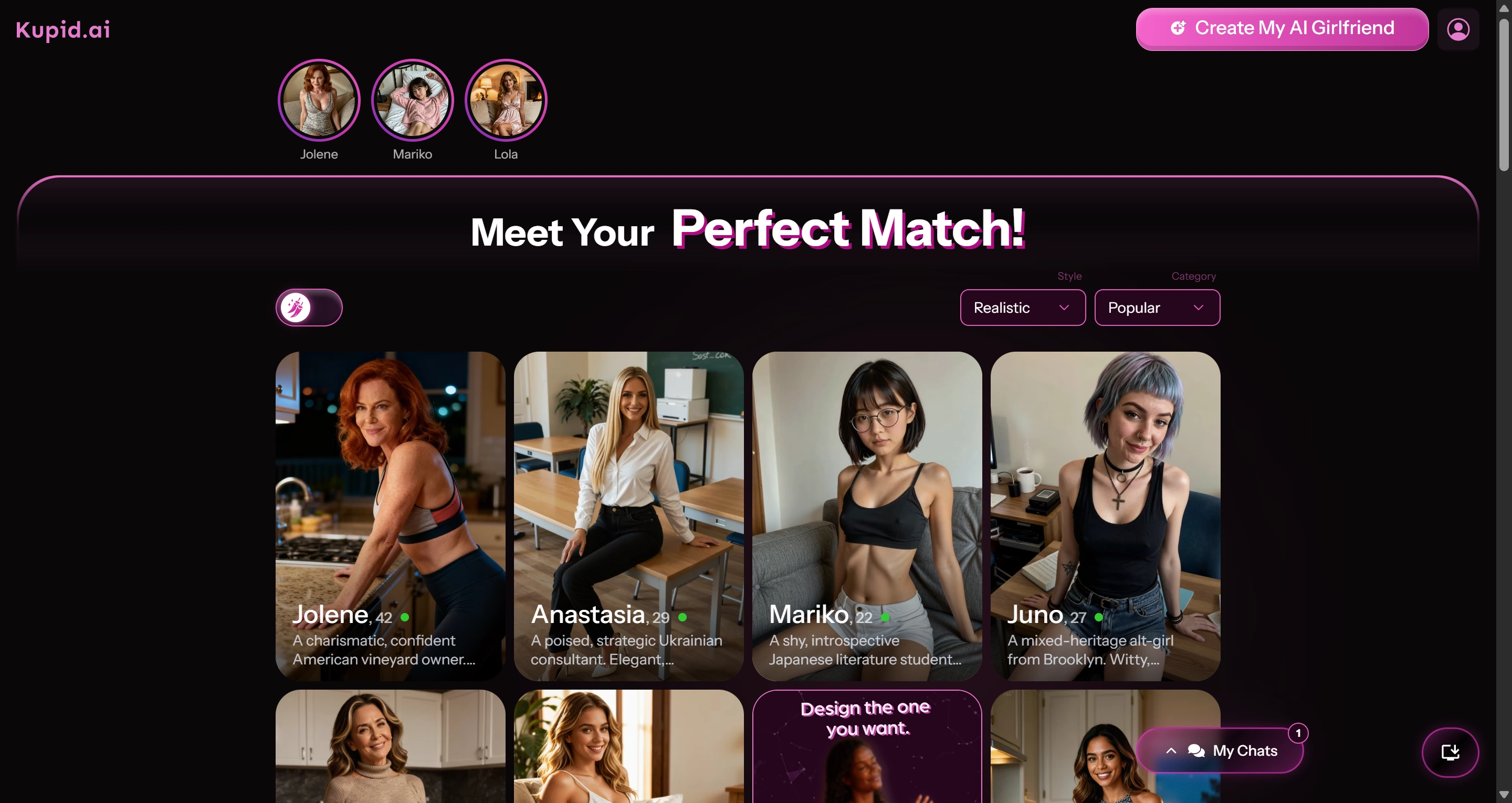
Kupid AI is a companion platform first. Its main product is customizable AI character interaction, not video generation. It offers rich character customization across body type, personality, and conversational style.
Video exists, but in a limited form. Kupid AI supports image generation in chats and as a standalone feature, but does not offer live video chat, and multimedia outputs can be inconsistent.
The NSFW content on paid plans covers explicit companion imagery, but video remains secondary to chat and image experiences.
If video generation is your primary goal, Kupid AI is not optimized for that workflow, and the cost-per-output for video is weak versus dedicated tools.
Pricing: Freemium model with a limited free tier. Premium plans start around $7.99/month, with higher tiers adding more images, voice features, and companion access.
Best for: Users who want an interactive companion experience with image generation, not a standalone video production flow.
5. OurDream AI
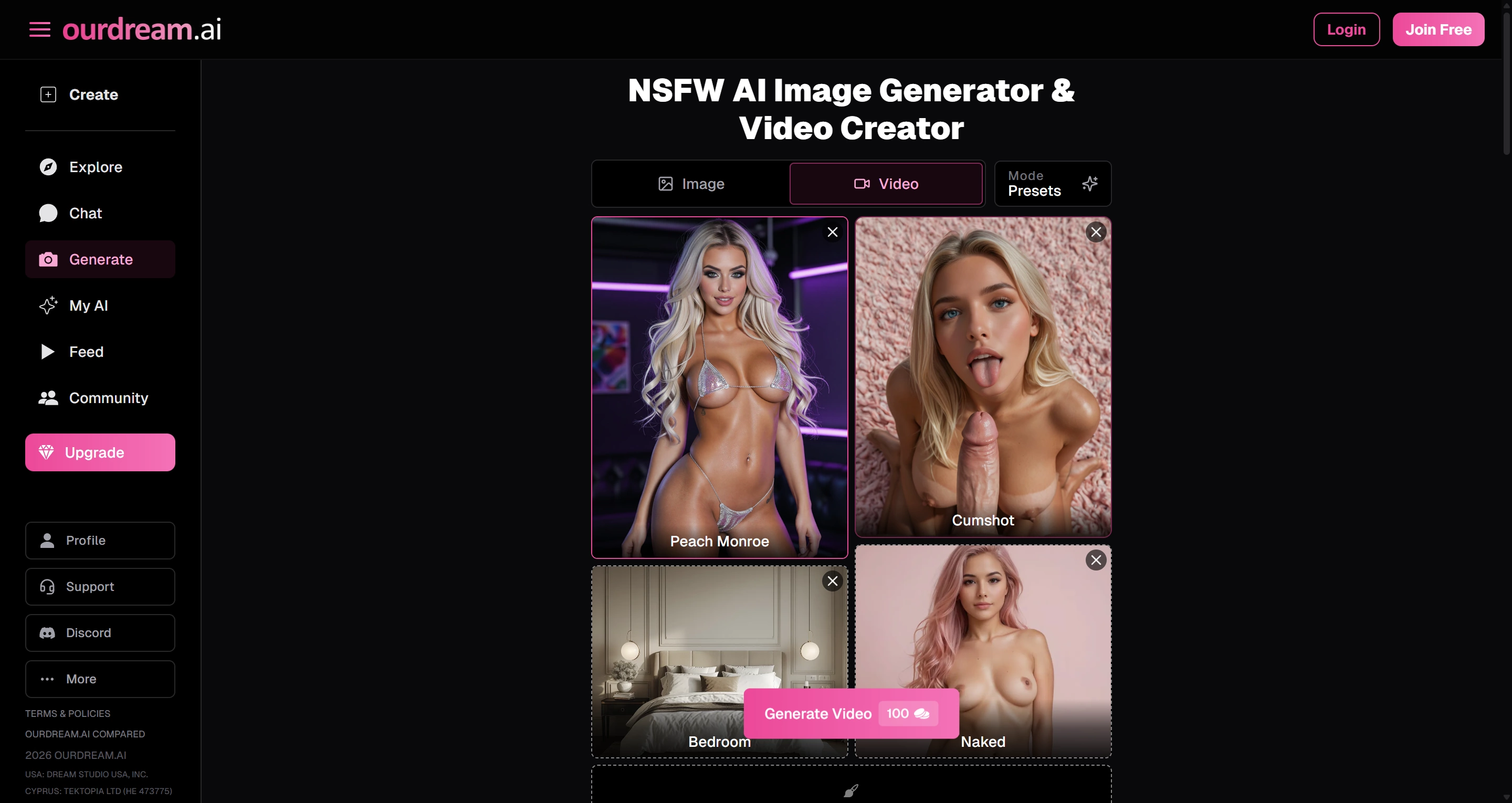
OurDream AI sits closer to the companion end than pure video tools, but it treats video more seriously than Kupid AI. The platform supports image generation, short video clips, and voice messages through a DreamCoin system.
The NSFW output is explicit and unrestricted on paid plans. A lust level slider controls escalation, and both image and video support explicit content once unlocked.
One strength is character persistence. Memory carries across sessions, and generated images/videos stay tied to a consistent character identity over time.
Video quality is functional rather than cinematic. Clips are solid for the price, but some frames can show minor glitches, and voice options often sound robotic.
It is a better fit for character continuity than pure production speed.
Pricing: Free plan allows chat and exploration but locks NSFW/media generation. Premium is $19.99/month or $9.99/month billed yearly with 1,000 DreamCoins. Extra bundles start at $11.99 for 1,000 coins. Video costs roughly 100 to 2,400 coins per clip depending on quality and duration.
Best for: Users who want a companion experience with real video output and stronger character consistency.
What These Tools Have in Common — and Where They All Fall Short
Across all five tools, the same pattern appears. Companion platforms like OurDream and Kupid are better for continuity, but both center on chat experiences, so video is only one feature among many.
Dedicated video tools come with tradeoffs: policy uncertainty on PixelDojo, platform stability concerns on SpicyGen, or paid-lock video on PromptChan Pro.
Free tiers are mostly weak for real video testing. PromptChan free is image-only. Kupid locks multimedia. OurDream coins disappear quickly with video. PixelDojo has no free plan. SpicyGen free credits are not guaranteed.
None of these tools are tightly built around the workflow most users actually want: upload an NSFW image or write a prompt, then get a video out without policy ambiguity or mandatory payment before testing.
That gap is exactly why direct NSFW generation products continue to attract users.
Try It Without the Friction
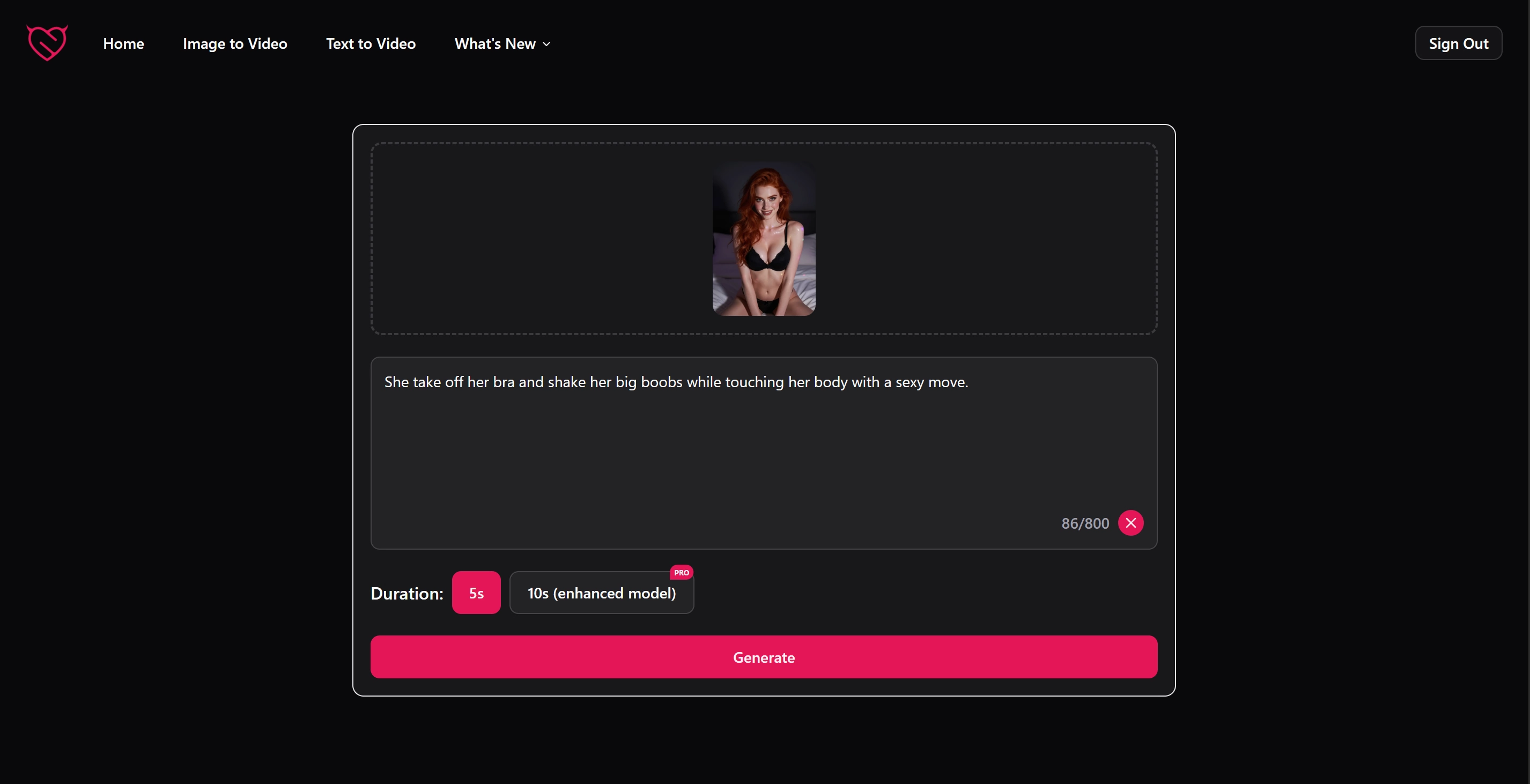
If what you actually want is straightforward NSFW video generation from an image or from text, the NSFW image to video generator on this site is built specifically for that.
Upload your image, write a prompt, and generate. No filters, no content-policy ambiguity, and no paywall on the core feature.
If you are starting from scratch without a reference image, the text-to-video generator works from prompt-only input and produces the same unrestricted output. Both tools are free to start.
FAQs
Which of these tools produces the best NSFW video quality?
SpicyGen is the most straightforward dedicated video tool with explicit output. PromptChan Pro is strong for style variety, especially anime. OurDream is solid for consistency across sessions. For both image-to-video and text-to-video without filters or paywalls, compare directly with nsfwimg2video.com.
Are any of these tools genuinely free for NSFW video?
Mostly no. OurDream gives limited coins for testing. SpicyGen free credits are not guaranteed. Others either have no free tier or lock video behind paid plans. The generator on this site is free to start with no credit card required.
What is the difference between a companion platform and a video generator?
Companion platforms like Kupid AI and OurDream AI focus on chat, roleplay, and persistent character memory, with video as one feature. Dedicated tools center the generation workflow itself, so they are usually more direct when video output is your main goal.
Why does PixelDojo appear on NSFW tool lists if policy is ambiguous?
PixelDojo offers broad model access and some models have lighter built-in restrictions. Some users report successful edge-case outputs, but official policy does not clearly permit NSFW content, so enforcement can be unpredictable.
Do these tools work with any uploaded image?
Most accept standard JPG and PNG uploads. They also generally prohibit uploading photos of real identifiable people for NSFW generation. AI-generated reference images are the common workflow.
Why do some NSFW video generators produce jittery or inconsistent results?
Frame consistency across a video is harder than generating one image. Without dedicated character-consistency systems, faces and proportions drift between frames. Shorter clips with one clear motion prompt tend to be more stable.
Generate NSFW Video Without the Guesswork
Skip tool-hopping and start with a workflow built for direct image-to-video and text-to-video generation. Free to start, fast to generate.
Get Started For Free