
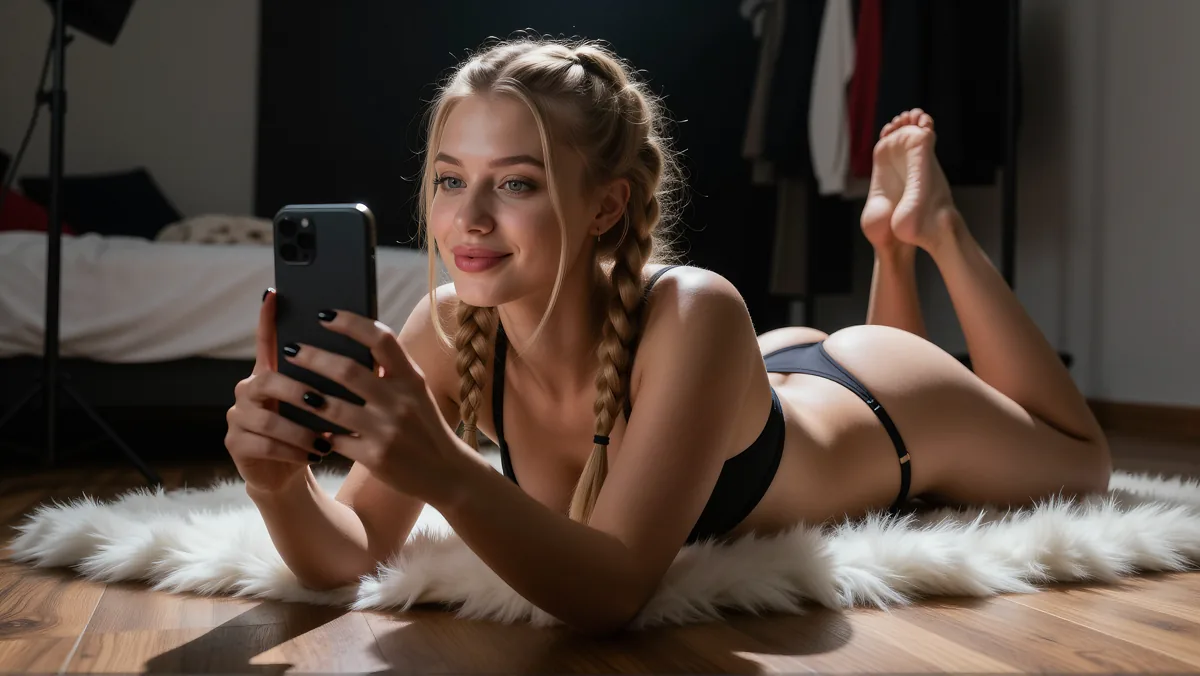
An OnlyFans page runs on one character. Subscribers pay to see a particular person again, and that recognition is the product. Generating the character instead of photographing one removes the shoot day and leaves a narrower problem: one image has to come first, and everything else is built out of it.
Everything here describes original characters that you generate yourself. Nothing in this guide involves a real person's likeness, and nsfwimg2video.com is not affiliated with OnlyFans or any subscription platform.
Why the Terms Mention AI at All
OnlyFans wrote AI into its own paperwork. The terms of service ask that AI generated content be captioned clearly and conspicuously with a signifier such as #ai or #AIGenerated. The acceptable use policy names an artificially generated image directly, inside the clause about explicit images of other people.
A platform does not draft clauses for something nobody is doing. Those two sentences are worth more here than any estimate of how many such pages exist, because they came from the platform itself rather than from someone selling a course about it.
What These Pages Post
Output sorts into a handful of shapes. Each shape needs something different on hand before it can exist, which is most of what planning a week comes down to.
Daily stills
The character in a new pose, outfit, or room. One locked character image is the only input, and everything else moves in the prompt.
A few seconds of motion
A short clip generated from one of those stills. Five or fifteen seconds, which is long enough for a single gesture to land on a phone screen.
Teasers
A clip that shows part of a post and stops. It comes off the same source still as the full version, cut shorter, so it costs no extra generation.
A greeting clip
The first thing someone sees after subscribing. One still, one small movement, and a line of text over the top of it.
A recurring setting
One room, balcony, or car interior kept in rotation. Repeating a place reads as a life rather than a folder of renders, and it costs one line in the prompt.
You stay off camera
The character has a face. You never have to show yours, because the character was generated rather than filmed, and nothing in the workflow puts the person running the page in front of a lens.
Step One: Build the Character
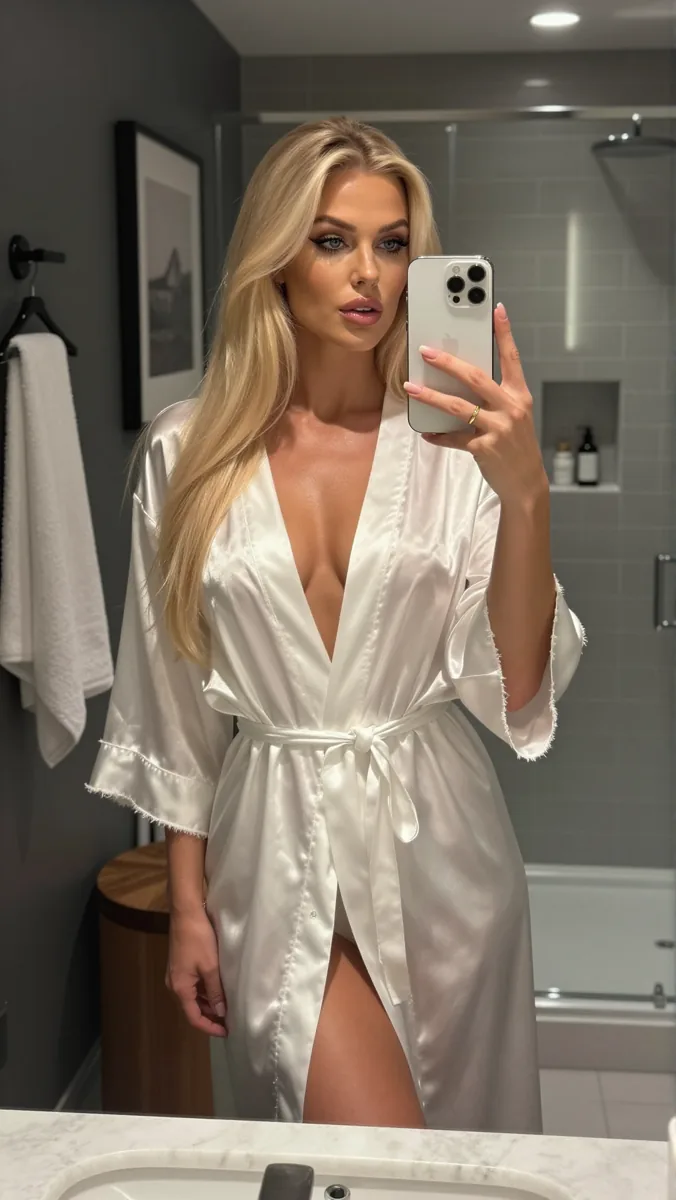
Everything downstream hangs on one file and one paragraph. The file is a character image you settle on and stop regenerating. The paragraph describes that character, written once and pasted into every later prompt without being edited.
A generator keeps no memory between requests. Small features move every time it runs: the jaw narrows, the hair parts on the other side, and a month later the page has stopped reading as one person. Most subscribers will not be able to say what changed, only that something did.
Editing is the other route to the same place. Rather than prompting a fresh image, you keep the still you have and change what sits around the face: inpainting replaces one region, outpainting extends the frame. An outfit or a room moves and the face does not. Changing something the description froze, usually hair color, works the same way, as long as it stays a deliberate exception rather than a monthly habit.
- Face
- Age range, face shape, eye color, nose and jaw. Six to ten words, then never touched again.
- Hair
- Length, color, parting, and how it falls. Hair is the first change viewers notice.
- Body
- Height, build, and skin tone, kept to one clause so it survives inside a longer prompt.
- Signature item
- A necklace, tattoo, or jacket that shows up in almost every post. Viewers anchor on it and forgive small differences elsewhere.
- Lighting
- One default setup, warm or cool, keyed from a single side. Switching the direction reads as a different person.
What you change per post
Pose, outfit, location, expression. Everything above stays frozen and all the variety comes from this line.
Paste it word for word. Rewording it into a better sentence is the most common reason a face changes between posts.
Keeping one character consistent across clips
The description only pays off once you have a character image you are happy with. Our image generator is free and uncensored, with no watermark on what you download, so you can keep going until one face is right and then hold on to that file.
Generate your characterStep Two: Put It in Motion
A still shows the character. A clip shows her doing one thing, and that carries further per post on a phone. The image to video generator takes an uploaded file, so the clip starts from the locked image instead of a fresh guess at the face. Clips come out at five seconds by default, or fifteen on the upgraded model, which is one selection rather than a different workflow.
How to turn a photo into video
Start from the locked image
Every clip begins from the file you settled on rather than a fresh generation. Reaching for a new source image is how a character quietly becomes a different one.
Decide what the moment is
Name the post before writing the prompt. A character leaning back against a balcony rail at dusk is different content from the same character looking up from a hotel bed, and the prompt has to carry that difference.
One movement per clip
A single action reads clearly on a phone screen. Asking for a turn and a walk in one prompt usually returns a clip where neither lands.
Cut two clips into one post
A clip that establishes the setting and a second that delivers the moment make a better post than one long take. Free phone editors handle the join, and shorter generations hold the face steadier.
One Character, Many Scenes
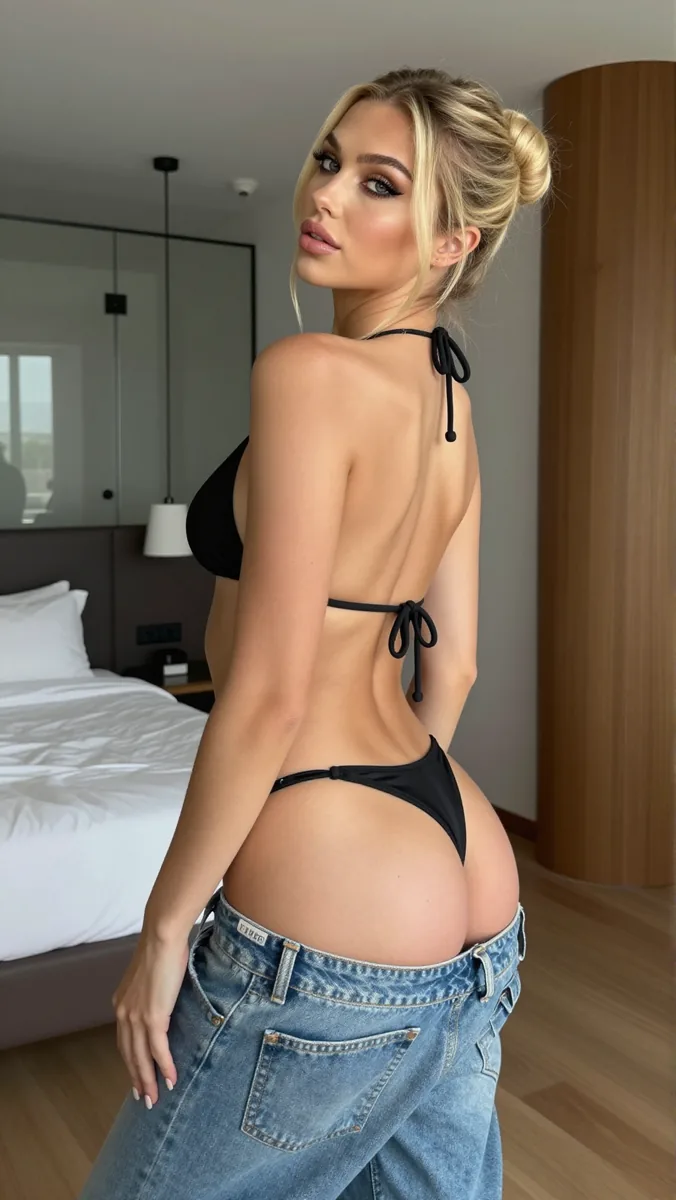
Variety on a page comes from one move repeated. Paste the frozen description into the image generator, change the single line that says where the character is and what she is wearing, and generate again. The face carries over because the words describing it never changed.
Each of those stills then becomes its own source for a clip. A morning kitchen and an evening balcony are two prompts that differ by one clause, and each image goes through image to video on its own. A page can fill out for weeks without a second character ever turning up on it.
A request from a subscriber runs down the same track. Someone asks to see the character somewhere specific, the scene line changes, the frozen description does not, and the still and its clip can go out the same day.
Does OnlyFans Allow AI Content?
Yes, with a label. The terms require AI generated content to be captioned clearly and conspicuously with a signifier such as #ai or #AIGenerated. Put it in the caption template you reuse rather than trying to remember it post by post.
Two limits sit behind that. The account has to belong to a real person, which means uploading a valid form of ID and two photos of the account holder, so a character cannot hold a page on its own. And the acceptable use policy bans explicit images of another person without their consent, saying outright that this includes an artificially generated image. Original characters only, whatever tool made them.
One area is unsettled: the same policy asks that anyone appearing in explicit content has completed creator onboarding or signed a release, without spelling out how that reads for a character who is not real. You will also see guides describing a further rule, that AI content must resemble the verified account holder. Read both documents end to end and that wording is in neither, which is not the same as the platform saying it is fine. Check the current text yourself rather than trusting a summary, this one included.
FAQs
Will subscribers know it is AI?
Many will, and the label the terms require settles it in the caption before anyone has to guess. A face that drifts between posts costs more trust than the label does, which is why the description matters more than chasing photorealism.
Can I change the outfit without regenerating the character?
Yes, by editing the still you already have instead of prompting a new one. Inpainting replaces a region of the image and leaves the face alone, which is usually quicker than getting a fresh generation to land on the same face twice.
Can I run more than one character?
You can, though each one needs its own locked image and its own frozen description. Two characters is close to double the work rather than a shared workflow, and mixing their descriptions in one prompt is the fastest way to end up with neither face.
How do I put the same character in a new scene?
Keep the description word for word and rewrite only the line that sets the place and the outfit. Generate the still from that prompt, then upload it to image to video for the clip.
Why does the face change between posts?
Almost always because the description got reworded between prompts, or because a new source image crept in. Paste the description unchanged and reuse a single source image.
How long can the clips be?
Five or fifteen seconds. That is enough room for one movement, and a shorter generation holds the face steadier than a long one.
Start With One Character
Generate a character image, settle on it, and turn it into your first clip. Everything above needs that one file to begin.